
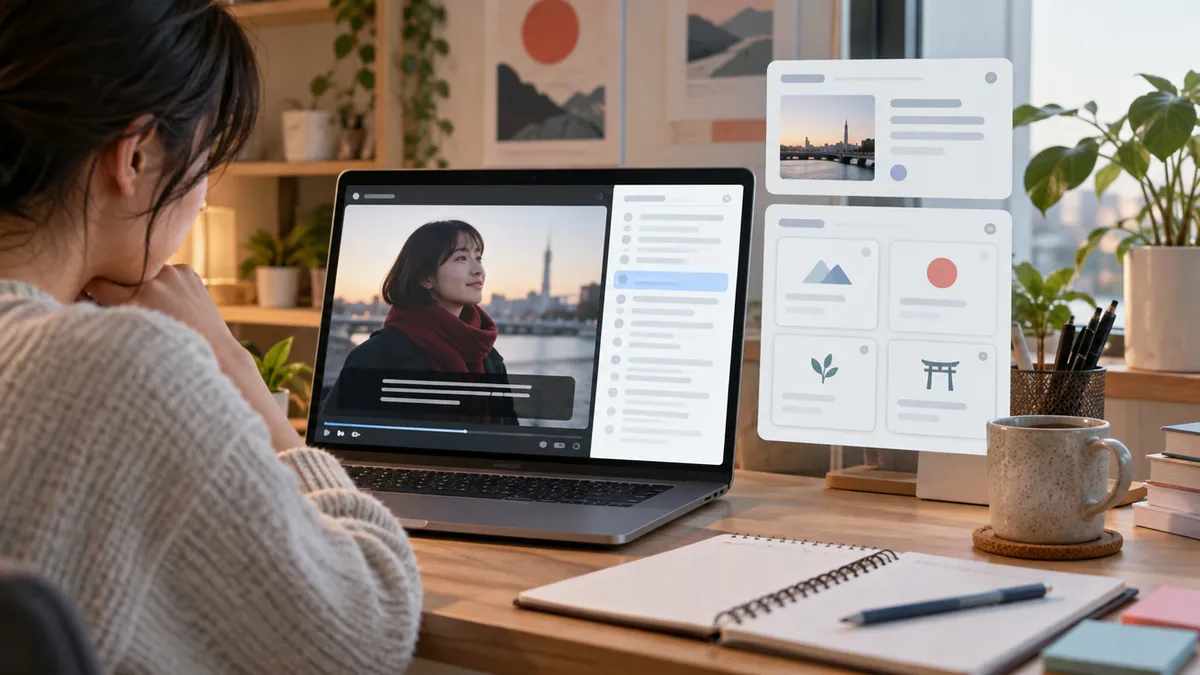
A Subadub alternative for Japanese should do more than expose subtitle text if your goal is learning. Selectable subtitles help, but understanding and retention need a workflow after the click.
Compare the category in Japanese subtitles Chrome extension, see tool trade-offs in Best Netflix Extension to Learn Japanese, and review the Japanese Netflix tools hub.
Best Answer
Use a transcript or selectable subtitle tool when you mostly want text access. Use KIKUGO when you want the Japanese subtitle line explained, saved, and ready for review.
| Need | Better fit |
|---|---|
| Select subtitle text | Subadub-style tools |
| Browse subtitle lines | Transcript tools |
| Understand a full Japanese line | KIKUGO |
| Save a card for Anki | KIKUGO |
Best Case for Subadub vs KIKUGO
Subadub-style tools are useful when you already have a study workflow and just need subtitle text to copy or inspect.
KIKUGO is useful when text access is not enough. It handles the next step: explain the sentence, keep the context, save the card, and export when needed. For the product details, see Japanese subtitle explanations and From Netflix to Anki.
Install KIKUGO and compare it on one Japanese Netflix scene.
FAQ
What should I use as a Subadub alternative for Japanese? Use a tool that matches your goal: transcript-style subtitle access, dictionary lookup, or full sentence explanations with saved review cards.
When is Subadub-style subtitle access enough? It is enough when you mainly need selectable subtitle text or a transcript-like view and already know how to study the lines.
Why choose KIKUGO instead? Choose KIKUGO when you want Japanese Netflix subtitle lines explained and saved as flashcards rather than only made selectable.